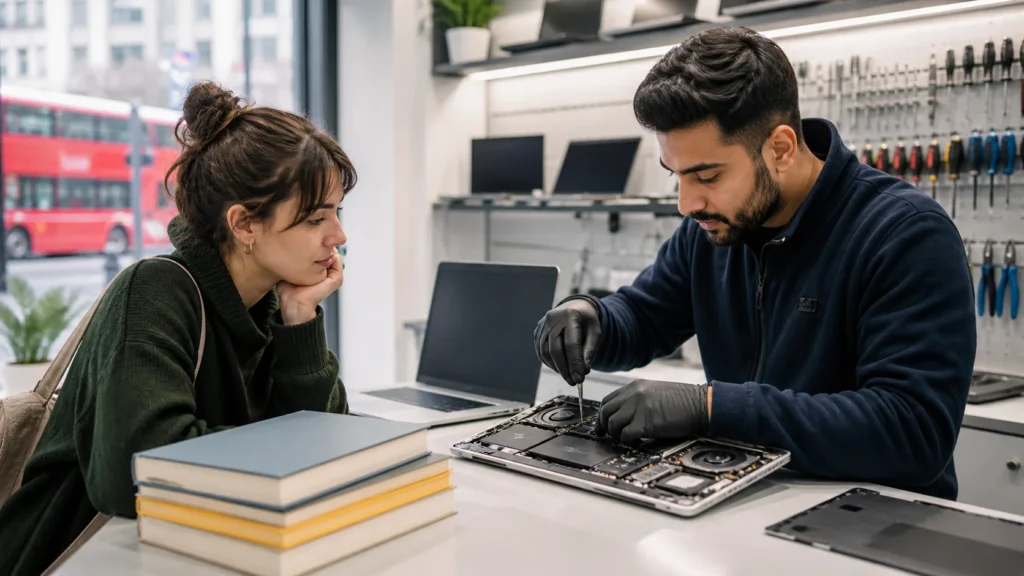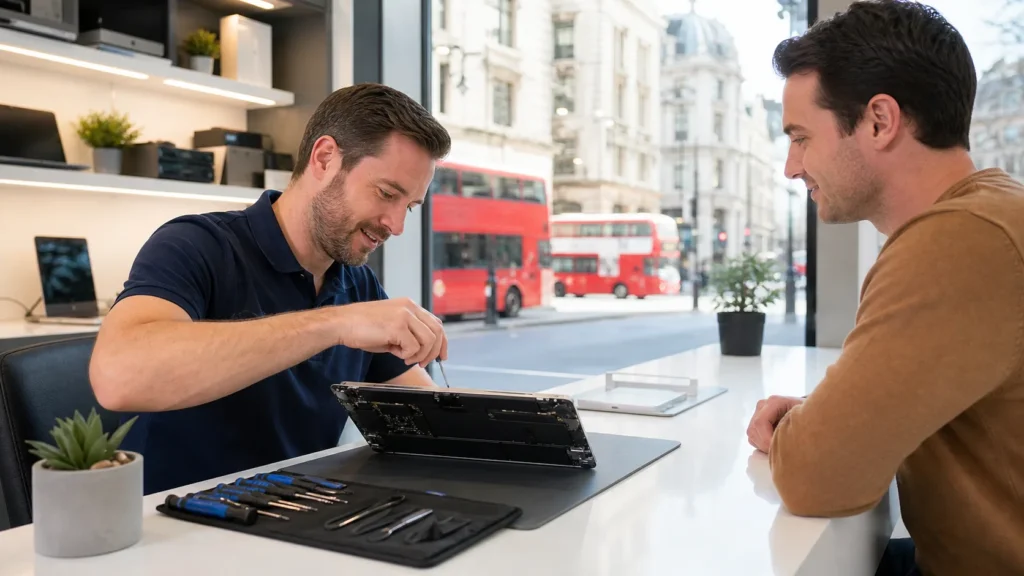

After a summer of being mostly untouched, many desktop computers start giving people trouble just when it is time to get serious again. In homes across London, Ontario, people fire up their machines in September and find that things are not running quite right. They might notice slow startups, odd noises, or programs not working like they used to back in spring.
That happens because summer often leaves behind problems that do not show up until the computer is back to regular use. Machines that sat dormant collect dust, miss important updates, and sometimes experience heat damage without anyone knowing. As work and school pick up again, it is not unusual to need desktop computer repair for machines that once worked fine. Spotting the signs early can make all the difference in keeping your routine on track.
Common Power and Boot Issues in September
One of the first things people notice is when their desktop does not power on like it used to. Either it starts up more slowly, restarts without warning, or does not turn on at all. These kinds of issues often come from long periods of inactivity or exposure to high heat during the summer months.
We often see:
- Blinking or dim power lights that do not lead to a full system startup
- Machines that restart during boot-up or freeze before the login screen
- Loud clicking noises or spinning fans that begin but never load the system fully
These can be early signs of hardware wear, failing power supplies, or damaged system boards. While they may seem random or like flukes, they usually worsen with time. A slow or spotty start in September sometimes marks the beginning of a bigger failure.
Overheating and Fan Trouble After Warm Weather
Dust and heat together can create the perfect storm inside a desktop case. If a computer spent the summer powered off in a warm room with no airflow, dust settles deep into the fans and vents. Once power is restored, restricted airflow becomes more noticeable as soon as things warm up.
You might spot symptoms like:
- Loud or fast-spinning fans even when running only a couple of programs
- Sudden shutdowns during basic tasks
- A strong heat coming from the vents even shortly after powering on
Early autumn may still have warm days in London, Ontario, which only adds to the strain on a dusty or clogged system. Fans struggling to cool the device could lead to permanent damage if overheating continues unchecked. A clean and properly functioning fan setup is one of those things you only miss when it is gone.
Forest City Computer Repairs often helps clients clean, replace, or upgrade fans, power supplies, and internal dust filters as mentioned on our PC repair page. Regular maintenance helps catch smaller overheating problems before they damage more expensive parts.
Slow Performance from Missed Updates or Background Errors
System updates do not stop just because you have not used your computer. Over the summer, a desktop that is powered off or rarely started might miss update after update. Once it comes back into daily use, it starts trying to catch up all at once.
That usually does not go smoothly. What we find in these situations is:
- Extra-long loading times every time the machine is turned on
- Programs freezing after only a few minutes
- Popups or failed update errors that will not go away
Missed updates not only slow things down, but they can also create conflicts with older files and software. Background errors pile up, causing interruptions just when people need their machines the most. Getting everything current brings more stability, and catching issues early keeps things from snowballing into something more serious.
Keyboard and Peripheral Failures That Catch You Off Guard
Another group of issues that often gets overlooked comes from hardware linked to the desktop, like keyboards, mice, printers, and speakers. All it takes is one faulty connection to create a frustrating workday or missed assignment.
Common problems we have seen include:
- Keys not responding properly or double-typing without warning
- Mice that lag, freeze, or cut signal for no clear reason
- USB devices dropping off or disconnecting as you move cables slightly
Sometimes, it is just age or loose ports. Other times, spills or dust from summer use make specific keys or buttons unreliable. You may not notice until there is a need to type a long email or rush through schoolwork. Catching these issues early lowers the chance of scrambling to fix a problem in the middle of a busy day.
We provide fast turnaround on desktops, keyboards, and USB port repairs. According to the PC repair service on our website, our checks include both internal PC diagnostics and troubleshooting external devices, minimising your downtime.
Getting Your Setup Back on Track Before Things Get Busy
By the time autumn really sets in, most people are back to full-speed routines. Whether it is school or remote work, a desktop that runs poorly can make each day more stressful. September is the best time to tackle these common issues before they lead to outages or rushed repairs in October.
A check-in now, when things are just ramping up, helps avoid surprises later. Boot problems, slow fans, or missed updates rarely sort themselves out. More often, they get worse the longer they are ignored. Acting earlier in the season gives you more flexibility and confidence that your day will not be interrupted by something as simple as a screen that will not load.
When your setup runs smoothly, it is one less thing to think about as work and school pick up pace. That makes a big difference during busy mornings or long online meetings. Taking a few moments now can save hours of trouble later, especially as colder months create extra challenges to getting anything fixed quickly.
Experiencing slow startups or unusual behaviour with your desktop since the end of summer can point to underlying issues. Addressing problems early on can save you time and trouble in the future. At Forest City Computer Repairs, we support families and individuals throughout London, Ontario, with reliable, straightforward service for all your computer needs, including quick and affordable desktop computer repair. Let us take a look so you can get back to work or school without unnecessary stress. Call us today to schedule a checkup before small concerns become major setbacks.