
As summer gets closer, laptops start facing extra challenges from the heat. Here in London, Ontario, we have seen how warm days can make laptops act up. Whether you are working indoors by a sunny window or bringing your device along while travelling, higher temperatures make overheating more likely, and it can happen fast.
Laptop overheating is not just annoying. It can slow things down, wear out internal parts, or even cause sudden shutdowns when you least expect it. For anyone planning a summer trip or just trying to finish up tasks comfortably, it is worth knowing how to spot the warning signs early. That is where timely laptop computer repairs in London come into the picture. Taking action before the problem gets out of hand makes a big difference.
What Causes Laptops to Overheat During Summer Travels
Warm air alone will not break a laptop, but when combined with bad airflow and long usage, it begins to build pressure inside the machine. Once that happens, laptops run hotter than they should, and trouble begins.
- Laptops kept inside car trunks or sunny backpacks heat up quickly. These places trap warmth and leave little room for airflow, especially when the device is left powered on or in sleep mode.
- Dust from cooler seasons can clog fan vents. After months of use indoors, it settles inside without much notice and adds to the heat risks.
- Streaming, editing, and video calls on hot days increase the internal load. Apps running in the background put more demand on systems, which raises heat production if fans cannot keep up.
We often forget how many layers of clothing we shed when the weather changes. But laptops, packed into sleeves or busy with heavy apps, do not get that same relief. Travel makes things worse, not because of the movement, but because many of the usual cooling conditions are removed.
Signs Your Laptop Is Struggling With Heat
Most laptops will not just stop working with no warning. Before that happens, there is usually a period where things feel a bit off. Spotting those early signs can help prevent future breakdowns.
- If your fan seems like it is always running or has started making grinding sounds, that is a clear flag. It could mean the heatsink is clogged, or the fan motor is overworked and failing.
- Basic tasks like browsing or typing might feel slow or sticky. Heat affects performance in small ways at first, but problems tend to get bigger later on.
- If the body of your laptop feels hot hours after use, something is keeping the system too warm. If the laptop shuts itself off randomly, that is a built-in safety feature kicking in to stop damage.
There is no reason to wait for a breakdown. When your laptop begins showing any of these signs, it is time to take it seriously. A slow machine in June could become a dead laptop in July.
How Technicians Diagnose and Repair Overheating Problems
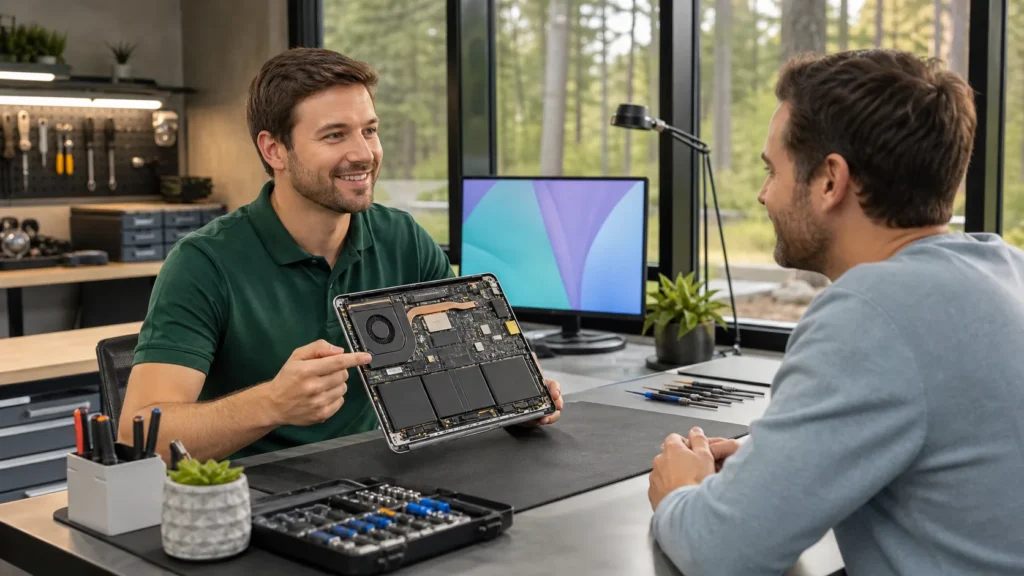
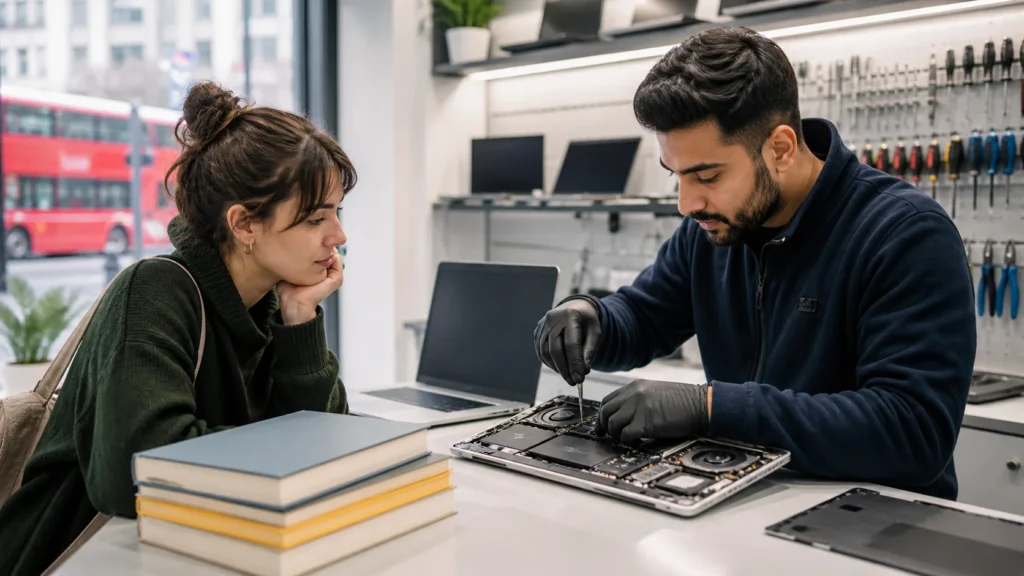
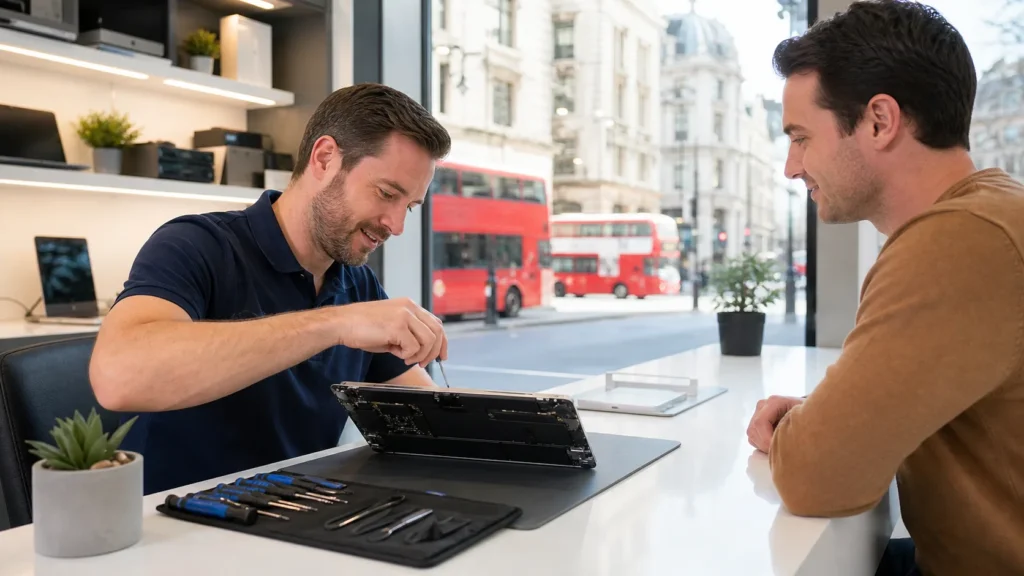
When we open up a laptop showing heat issues, the story usually begins with the cooling system. That is where heat gets managed, and it is often where problems first appear.
- One of the first things we check is the thermal paste. This is the layer of material that moves heat from the processor to the cooling fins. If it is dry or cracked, heat will not move properly.
- Fans and vents are next. We remove dust, test the fan speed, and look for signs of worn bearings or loose connectors. Cleaning makes a big difference for airflow.
- Some overheating signs point to wear in other parts. Batteries affected by heat can swell or drain quickly. In long-term cases, internal damage can extend to the processor or motherboard components.
These steps take time, but they make the difference between a long-lasting fix and a short-term patch. Once clean, tested, and adjusted, the laptop controls its temperature more easily again.
From our service page, every laptop computer repair at Forest City Computer Repairs starts with full dust removal and cooling system check, including thermal paste replacement when needed. Our technicians specialise in handling both Windows and Apple laptops, so you get repairs suited to your device.
Why Quick Service Matters Before Summer Trips
Travel mixes poor airflow and bumpy movement, both of which increase the chance of overheating. If your laptop already has hidden heat stress, a little time in a hot car or crowded carry-on can bring problems to the surface.
- Heat stress builds faster and repairs take longer during travel, especially if something fails while you are away with no local repair.
- Long wait times for diagnostics are common at the start of summer. Getting heat issues fixed ahead of time avoids delays.
- Shops offering laptop computer repairs in London can get booked up once school lets out and summer visitors come, so it is better to plan in advance.
There is something frustrating about losing time during a trip to fix a problem that started weeks before. A small fix before departure can save hours later.
Staying Cool and Avoiding Bigger Laptop Issues Later
A laptop that stays at the right temperature through the summer does more than just run better. Heat speeds up wear on nearly every part inside. From the battery to the drive, all components work harder under stress.
- Keeping the laptop cool now protects parts from long-term damage, saving cost and hassle over time.
- Fixing heat prevents sudden crashes or freezes when your machine is far from help. Scheduled checks catch bad fans before they fail.
- When you expect to be using your laptop more, whether for photos, editing, or travel planning, it is good to know it is in good shape.
We have seen laptops that looked fine on the outside but were one warm day away from shutting down for good. Planning ahead now makes for a much smoother summer.
Whether heading out on a short break or keeping your laptop nearby for work, it is wise to pay attention to how it is handling the heat. If it is noisier, slower, or warmer than usual, something may already be wrong. Fixing small heat issues before summer picks up is often the simplest way to avoid tech trouble later.
Do not let laptop overheating disrupt your productivity this summer. At Forest City Computer Repairs, we quickly find and resolve the causes of excess heat, keeping your device dependable whether you are local or just passing through. When every moment counts, access to laptop computer repairs in London ensures your laptop stays cool and reliable. Reach out today if your device needs expert attention.