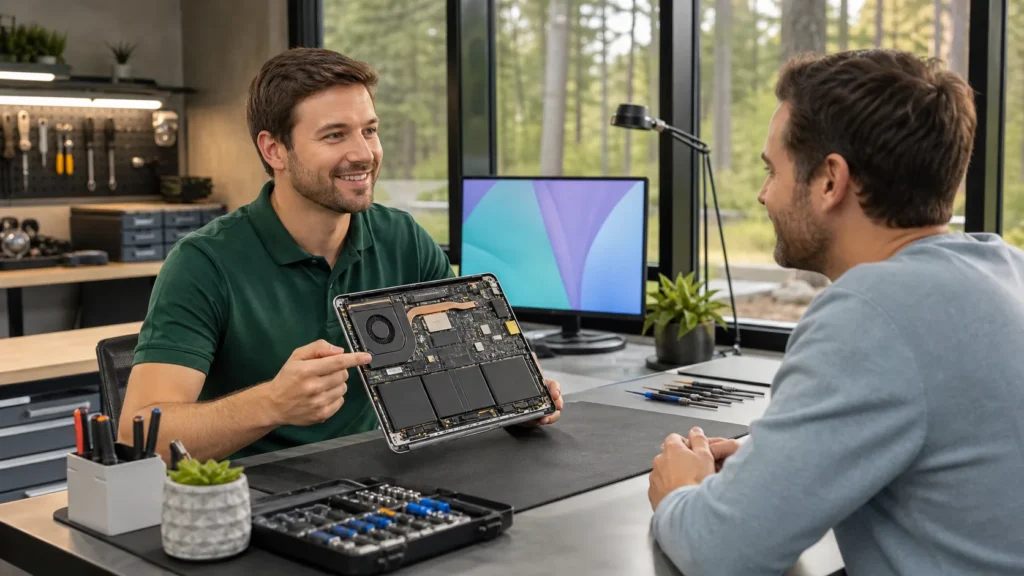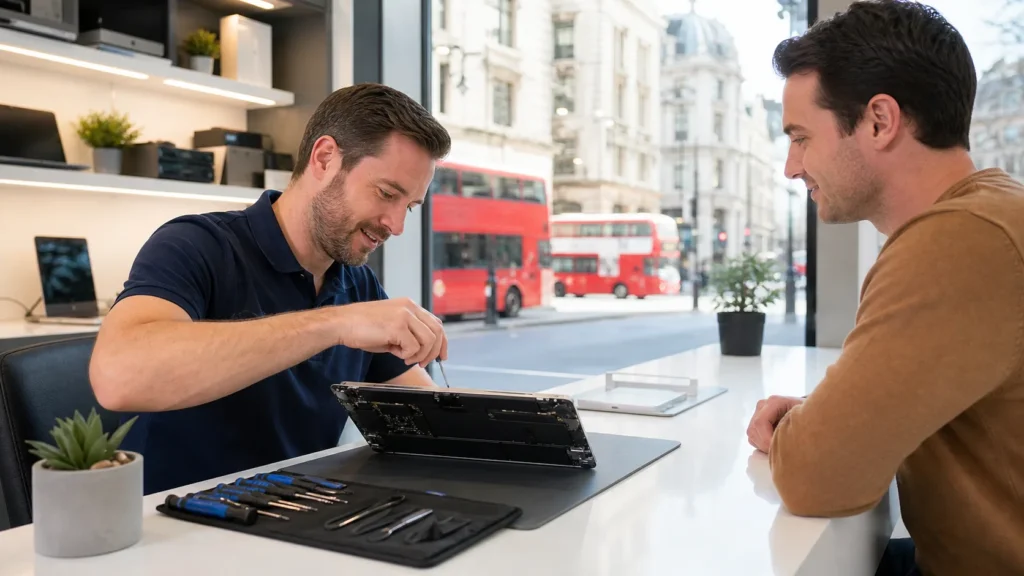

Dropping off your laptop for repair can feel a bit uneasy, especially when you’re not quite sure what’s going to happen next. Some people hand it over without asking anything, while others leave with a list of unanswered questions still on their minds. Taking the time to ask the right questions before you hand it over can make things easier, faster, and a whole lot less frustrating.
Not all laptop repair shops offer the same approach or level of explanation, so you shouldn’t feel shy about expecting clear answers. If you’re in or around London, Ontario, and your device needs service, it helps to be prepared. We’ve pulled together some useful questions to ask before you leave your device so nothing important slips through the cracks. Whether you’re a student, a remote worker, or just need your laptop for your daily routine, these questions can help make the repair process smoother from start to finish.
What’s Wrong With My Laptop?
Before you set your laptop on the counter and walk away, ask for a clear idea of what’s suspected to be the problem. Is it a hardware issue, like a broken screen or battery, or something going on inside like overheating or hard drive failure?
- Ask if they’ll be diagnosing the issue in-house or if your laptop will be sent elsewhere. That can change how quickly it gets looked at and how your data is handled.
- Find out what tests will be run. Are they using software diagnostics, checking parts by hand, or doing both?
- Ask if there’s a chance other issues might pop up once they open the device. Some problems only show up after removing parts or running full inspections.
Getting a basic explanation about what’s wrong makes the whole process less mysterious. These questions set a clearer picture right from the start, so you’re not left unsure about what’s happening while your laptop’s sitting on the bench.
How Long Will the Repair Take?
The repair process can vary depending on what’s wrong and how the shop works. Asking about timing upfront helps you plan around not having your device.
- Ask how long a simple fix usually takes, like replacing a battery or keyboard.
- If something needs to be ordered, find out if they have it locally or need to wait for delivery.
- Check what happens if a problem turns out to be more complex than it first looked. Will you be updated along the way?
Knowing how long you’ll be without your laptop helps with organising your work or personal needs. This helps avoid the back-and-forth stress of wondering when your laptop will be ready. You can also decide if you need a backup device during the wait.
Will My Data Be Safe?
Many people worry more about their files than the laptop itself. Photos, emails, or work documents could be hard to replace if something goes wrong.
- Ask if your data will be touched or moved during the repair.
- See if they recommend backing it up first, some shops require it, while others leave that to you.
- Ask how many people will be handling your laptop, and if data is protected during the process.
Having peace of mind about your files makes the experience much less stressful. It’s better to be careful here. Repairs that involve opening your laptop or changing storage drives come with some risk to your files, and it’s good to know where things stand before they begin.
What Is the Cost and What Does It Cover?
Money is always part of the decision. You’ll want to understand how costs are calculated and what might change once work begins.
- Ask for a repair estimate before they start anything.
- See what’s included in the number, does it cover parts, labour, or both?
- Check what happens if another issue is discovered during the repair. Will you get a call before more charges are added?
Understanding the cost ahead of time gives you more control, so there are no surprises when you return to pick it up. This isn’t just about the final amount. It’s about setting clear expectations so that you know exactly what you’re paying for, no matter what comes up.
Who Will Be Doing the Work and What Happens If Something Goes Wrong?
People often assume whoever takes the laptop is also fixing it. But that’s not always the case. It’s useful to know who’s working on your device and what happens after the repair is done.
- Ask if repairs are done on-site or sent to a service centre. That might affect turnaround time or how your device is handled.
- See if there’s any warranty or guarantee on the repair. What happens if the same problem shows up again next week?
- Make sure you’ll get a written record or receipt of the work completed. This can help if issues return down the road.
Knowing who is handling your device builds trust and a sense of security in the service process. It’s not about distrust, it’s just about having a clear trail from start to finish so that if you have to come back, you’re not starting from scratch.
Stay Confident When Leaving Your Device
Asking good questions doesn’t just help you feel more at ease. It also shows the person receiving your laptop that you care about how it’s handled. That often leads to better communication and fewer surprises later.
By sorting out the key details upfront, like timing, cost, and who’s doing the work, you save yourself stress and unexpected delays. You’ll know what to expect, and you’ll feel more in control of the process. A laptop might be just a machine, but for most of us, it carries a lot of our daily life. Taking five extra minutes to get the right answers makes all the difference. Even if you’ve never brought your laptop in for repair before, a few simple questions can make things less worrisome.
Remember that laptops are personal devices, and having clarity goes a long way when you leave them for repair. Sometimes the best service experience is just about great communication. You deserve to understand how your laptop will be fixed and how your files will be kept safe during the repair process.
Choosing trusted help for your device in London, Ontario matters, especially when you value clear pricing, honest answers, and respectful care for your files. At Forest City Computer Repairs, we take the time to walk through your questions so you feel confident about what’s being repaired, why it’s needed, and what it’ll cost. Not all laptop repair shops take the same approach, so making the right choice now can save you stress down the road. For more information or to discuss your concerns, reach out to us today.